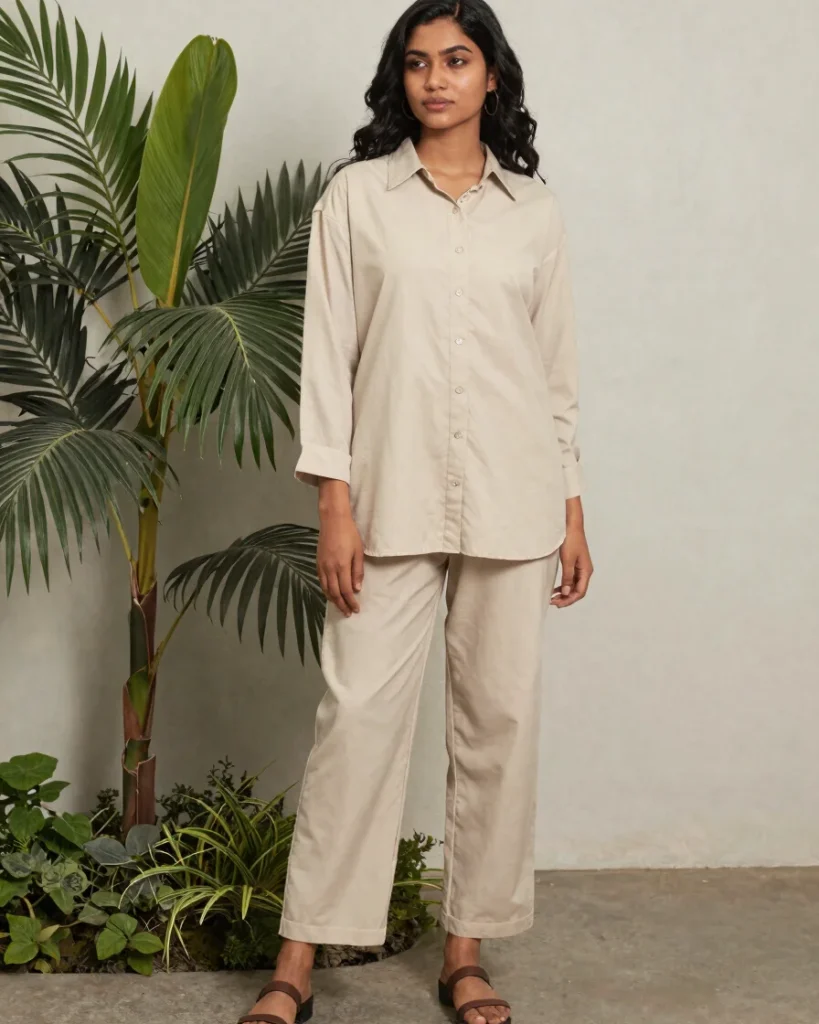
Open any ESSY FIT product, click TRY IT ON, and our FASHN AI engine renders the garment onto your full-body photo in seconds, so you can judge fit and colour with confidence.
Each try-on follows the same simple path, from choosing a garment to comparing the results before you add it to your cart.
1. Open a product
Browse any ESSY FIT garment and open its product page to see colours, sizes and BDT pricing.
2. Click TRY IT ON
Press the TRY IT ON button beside the add to cart option to start the virtual fitting.
3. Upload a full-body photo
Upload an existing photo or take a new one, standing full-length in good light for the most accurate result.
4. Select colour and size
Choose the colour and size you want to see, so the preview matches the exact variation you would order.
5. Generate and compare
Generate the AI image of you wearing the garment, compare it with other looks, then add your choice to the cart.
Your photo, your control
Privacy built into every try-on
Photo processing runs through secure server-side requests, and API credentials never reach your browser. You give explicit consent before any upload is processed.
You can delete your uploaded photos at any time from the try-on panel, and generated images are removed with them.